Your conversation stays yours. Not on a server, just between you.
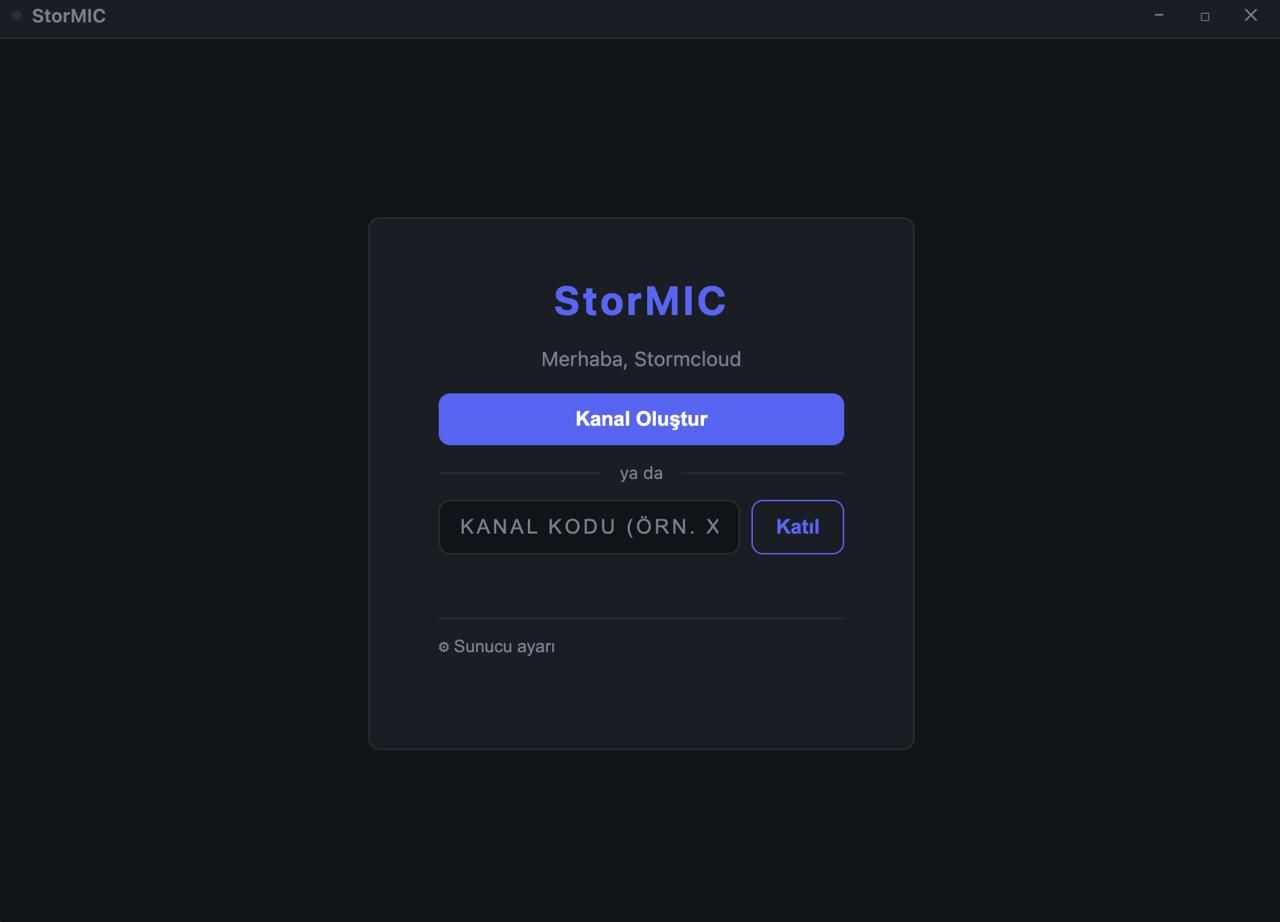
StorMIC is a peer-to-peer voice, video, and chat app. No sign-up, no account. Share a six-character code with friends and start talking, completely P2P.
Free · Open source
"Are you sure your data won't be sold or leaked one day?"
I asked myself the same question when Discord got banned where I live. I didn't like the answer, so I built StorMIC: your messages, voice, and files never pass through a server.
Why StorMIC
No account
No sign-up, no password, no email. Type a name, join a channel, start talking.
Serverless transport
The server only introduces you to your friends, then steps out of the way. Voice, video, chat, and files flow directly between devices.
Temporary, not permanent
When the last person leaves a channel, it ceases to exist. No message history to store, no data to sell.
What's inside
Built for small groups of 5-6 people, stripped of everything unnecessary.
Push-to-Talk & Open Mic
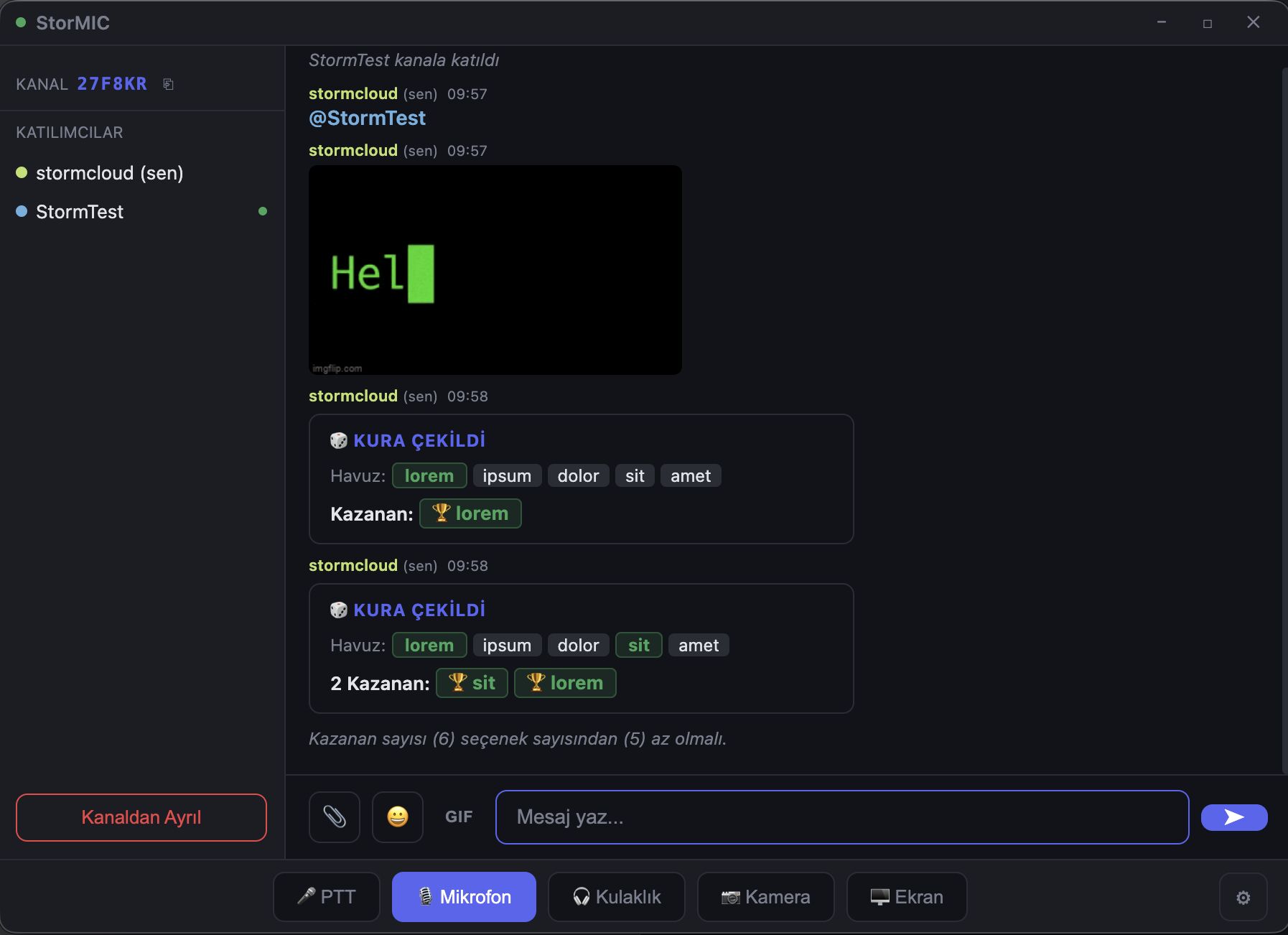
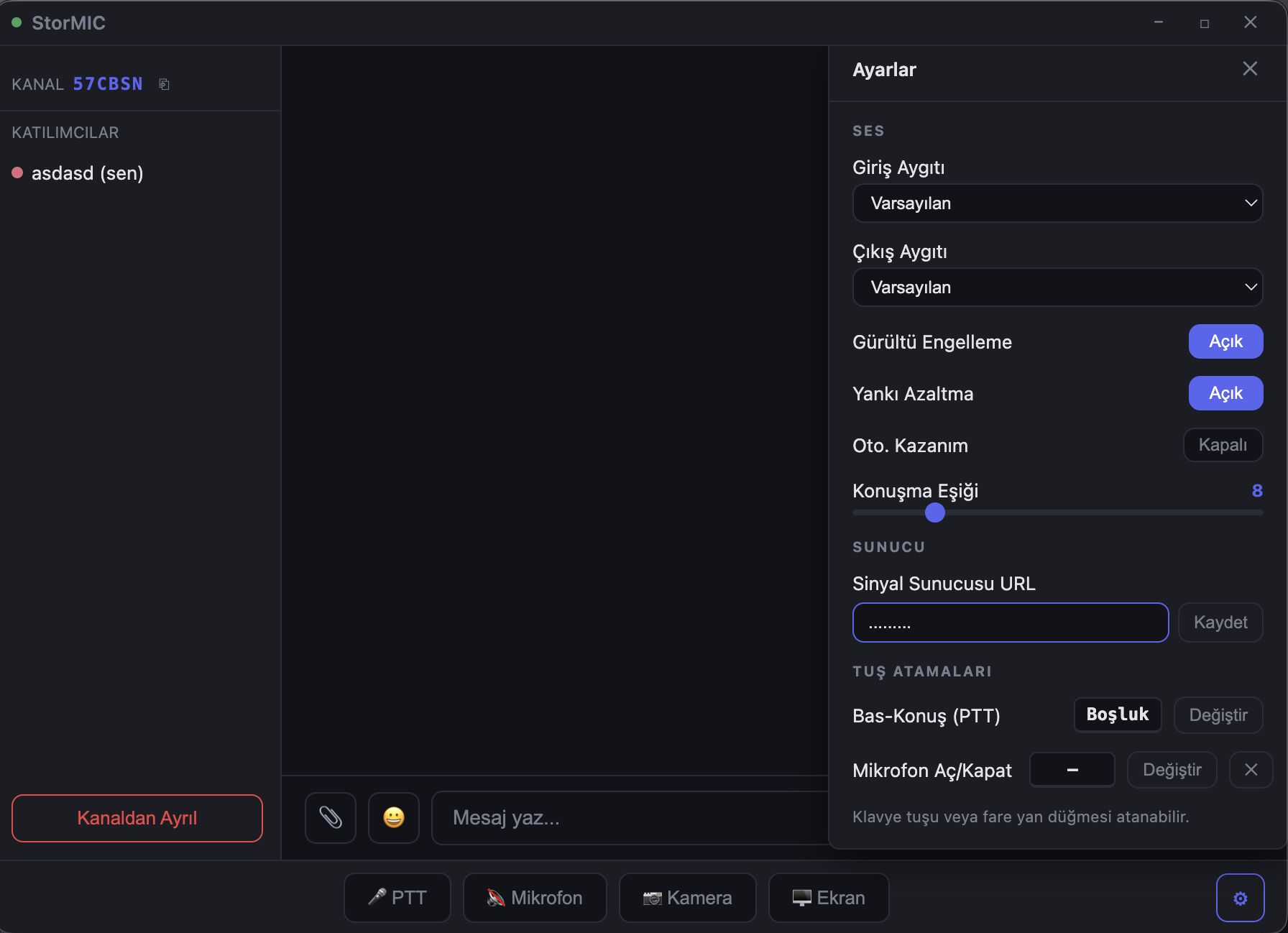
Bind PTT to any key or mouse button, or switch to always-on mic. Whoever is speaking is highlighted instantly.
Camera & Screen Share
Share your screen at 720p or 1080p, 30 or 60 fps. The active stream fills a large spotlight, others sit in a strip below.
Chat & File Transfer
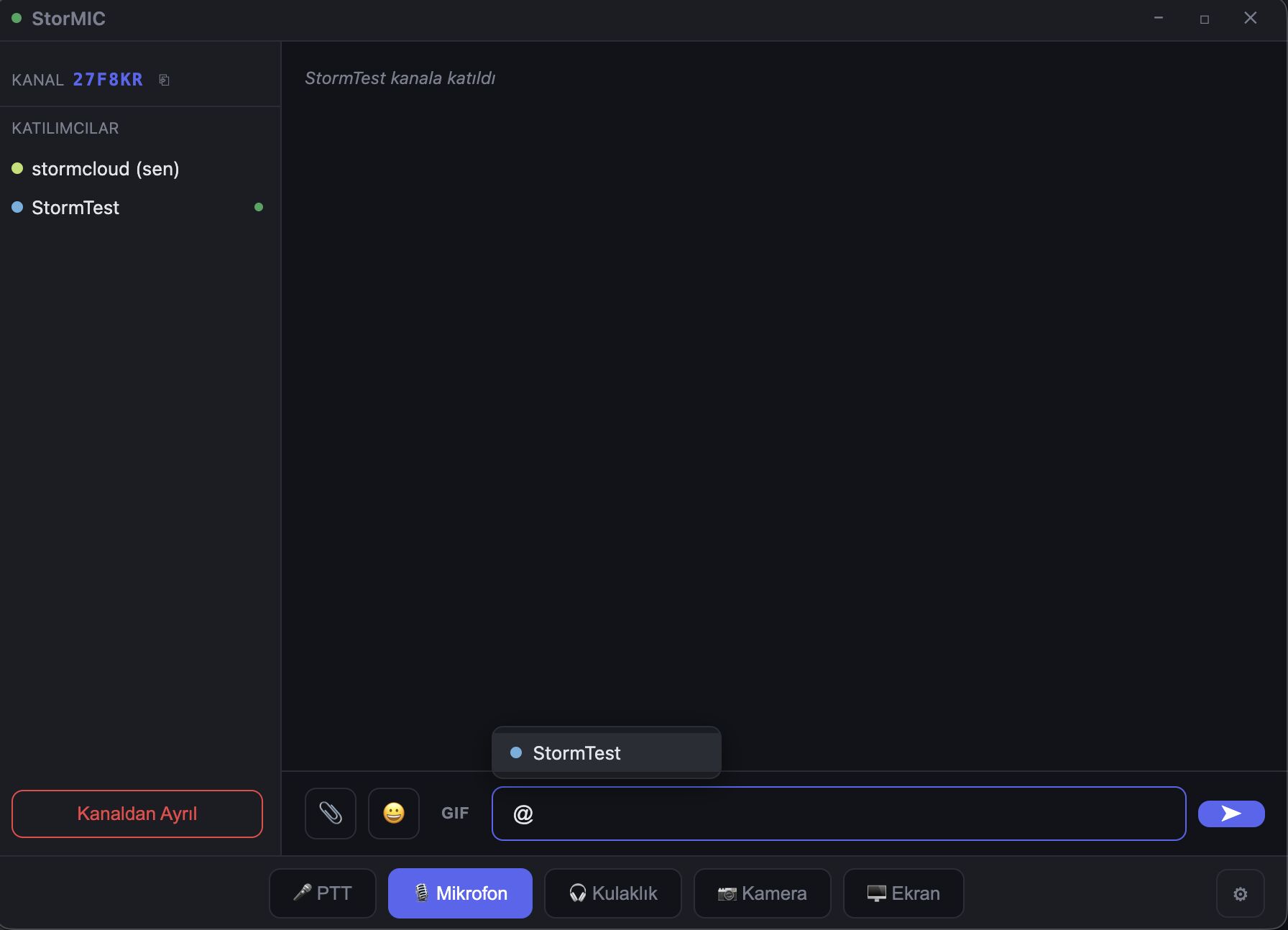
Messages and files travel straight over a WebRTC data channel, with no size limit and nothing stored anywhere.
Per-user volume control
Click any participant to adjust or mute their volume independently. Noise suppression and echo cancellation are one toggle away.
Connection quality indicator
A color-coded latency dot sits next to each participant; if the connection drops, the app reconnects itself automatically.
Run your own server
Don't want to trust the default signaling server? The server code is open source and takes five minutes to self-host.
Inside the app
StorMIC in one minute
Why I built it and how it works, in short.
You don't need to trust me
Because all the code is open and on GitHub. Use the default server, or run your own with no middleman at all. Either way the result is the same: when the last person leaves, the channel is gone.
Frequently asked questions
Is StorMIC actually free?+
Yes. StorMIC is completely free and open source, with no hidden pricing or premium tier.
Do I need to create an account?+
No. No sign-up, email, or password required; just type a name and share a channel code.
Where are my messages, voice, and files stored?+
Nowhere. The server only introduces participants to each other; after that, everything flows directly between devices (P2P) and is never stored.
Can I run my own signaling server?+
Yes. The signaling server's code is open source on GitHub; if you don't want to trust the default server, you can self-host it in a few minutes.
Which operating systems does StorMIC support?+
It ships as a desktop app for Windows, macOS (Apple Silicon and Intel), and Linux.